

USB-C Docking Station Top Picks for a Better Desk Setup
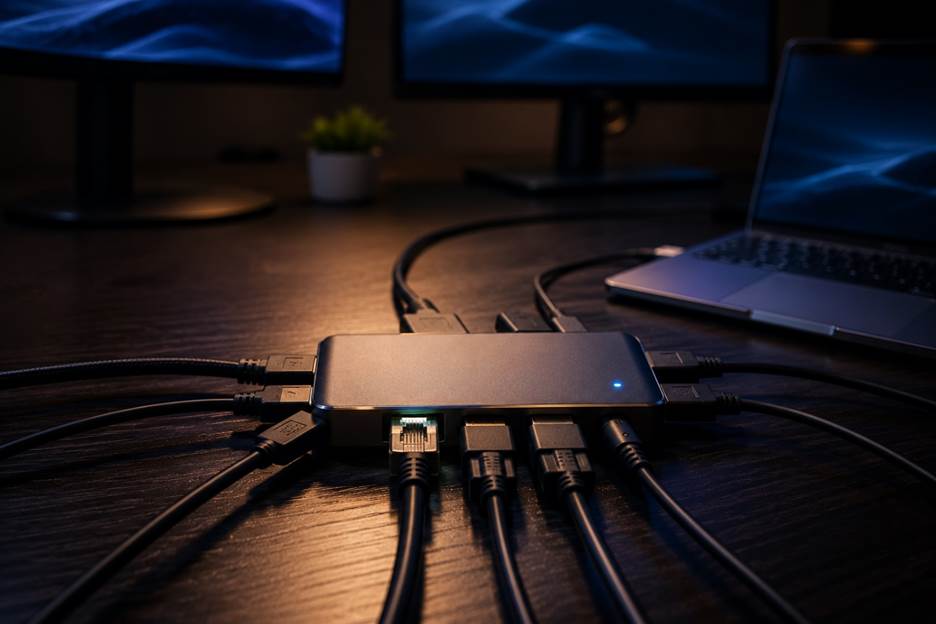
If you’re tired of unplugging and replunging cables every time you sit down to work, a usb-c docking station solves the problem in one go. Connect a single cable and your laptop instantly has extra monitors, a keyboard, a mouse, and a stable internet connection, all ready to go. It’s one of the simplest upgrades you can make to a home office or hybrid workspace.
At LaptopGiant, we get asked all the time which dock station usb c option is worth buying, so we’ve rounded up our top picks below, each with real specs, so you know exactly what you’re getting before you buy.
Why a USB-C Dock Beats a Bundle of Cables
A proper usb c laptop docking station does more than just add ports. It cuts your desk clutter down to one cable, keeps your laptop charged while it’s connected, and lets you switch between multiple monitors, printers, and peripherals instantly. For anyone working from a laptop full time, that single-cable convenience adds up to real time saved every single day.
1. Belkin Universal USB-C Triple Display Docking Station
The belkin universal usb-c triple display docking station is one of the most versatile options on the market. It supports up to three 4K monitors through 3x HDMI and 2x DisplayPort outputs, uses DisplayLink technology to work across MacBook, Windows, and Chromebook laptops, and delivers up to 85W of USB-C power delivery to keep your laptop charged while docked. With 5x USB-A ports and Gigabit Ethernet on top, it’s a genuinely complete solution for anyone running a multi-monitor setup from a single laptop.
2. Dell WD19 Docking Station
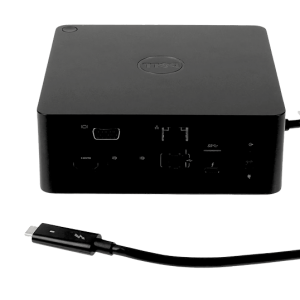
The Dell WD19 is a dependable everyday USB-C dock, delivering up to 130W total power with 90W going directly to charging your laptop. With HDMI and DisplayPort outputs on board, it’s a solid, no-fuss choice for dual monitor support without any extra adapters.
3. Dell WD19S Docking Station
Built on the same foundation as the WD19, the WD19S offers the same 130W power and 90W charging, with a slightly more refined design for anyone setting up a permanent desk station. It’s a favourite among our customers who want a straightforward dual monitor setup that just works, day after day.
4. Dell WD19DC Docking Station
For laptops that need more power, the WD19DC is a Performance Dock with a dual USB-C connector, delivering up to 210W. That means even demanding business laptops can charge fully through the dock alone, with no separate charger cluttering up the desk.
5. Dell D6000 Docking Station
The D6000 is a universal dock built around DisplayLink technology, working over both USB-A and USB-C connections. That makes it brand-agnostic, supporting up to three 4K displays regardless of whether your next laptop is a Dell, HP, or something else entirely, making it ideal for shared or mixed-device offices.
If you’re comparing options, our full range makes it easy to browse usb-c docking station models by port count, power delivery, and monitor support.
FAQ
Will a USB-C docking station charge my laptop?
Most will, as long as the dock’s power delivery wattage matches or exceeds your laptop’s original charger. Docks like the WD19DC offer higher wattage for laptops with bigger power demands.
Can I connect three monitors to a USB-C dock?
Yes, docks such as the Belkin Universal USB-C Triple Display Dock and the Dell D6000 both support up to three 4K displays, using DisplayLink technology to manage the extra screens.
Do USB-C docks work with any laptop brand?
Universal docks using DisplayLink, like the Belkin dock and Dell D6000, work across MacBook, Windows, and Chromebook laptops. Brand-specific docks like the Dell WD19 series are optimised for Dell laptops but often work with other USB-C devices too.
Is a USB-C docking station worth it for students?
Absolutely. It turns a single laptop screen into a proper multi-monitor study setup, useful for research, assignments, and video calls, all from one cable.
Why Buy Your Docking Station From LaptopGiant
Every docking station and laptop we sell at LaptopGiant comes with full manufacturer warranty cover, so you’re protected from day one. We also offer fast UK delivery across our full range, meaning your new desk setup can be up and running in days, not weeks. Browse our docking stations today to find the right fit for your laptop and workflow.



Add comment