
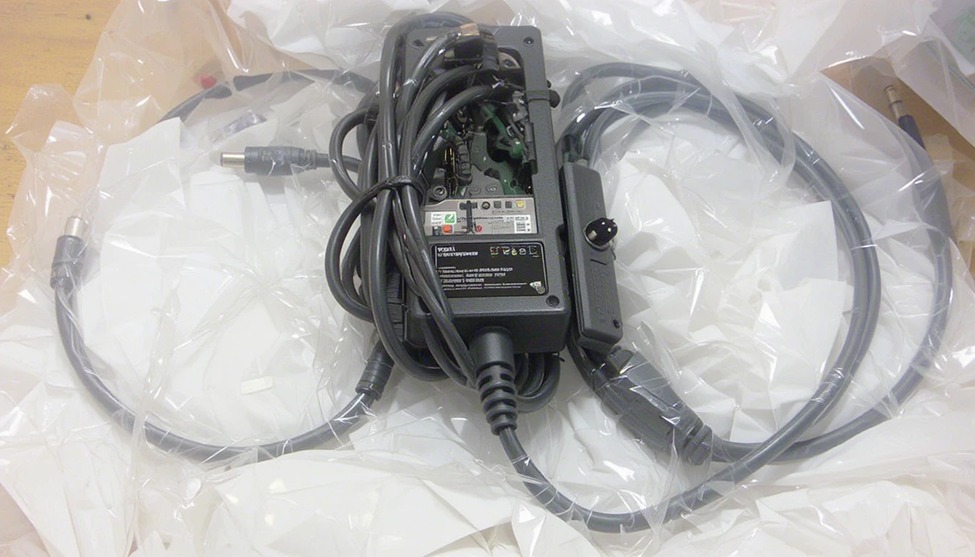
Losing or breaking your Dell laptop charger. There are times throughout the workday when nothing can be as aggravating as a broken or malfunctioning charger.
The difference between a direct replacement and an extra charger may seem unimportant; however, choosing the correct charger is crucial to proper operation and battery health. If you use an incorrect wattage (too low or too high), buy a poor copy, or use the wrong connector for your laptop, the performance of your laptop could be affected, and over time, damage could occur to your battery.
LaptopGiant has one of the largest selections of original and standby Dell chargers available for UK buyers. This guide will provide you with everything you need to know about how to purchase Dell chargers from us in simple, easy-to-understand terms.
What Is a Dell Laptop Charger?
A Dell laptop charger is an AC/DC power adapter (Wall Charger or power supply) used to change the power supply from a wall outlet to the correct type of power for your notebook computer. The notebook charger for each Dell comes in three different specifications: 1. Wattage (total amount of energy supplied); 2. Voltage (electrical pressure); and 3. The type of power cord connector (plug) for your laptop computer.
If all three specifications match what is required by your notebook computer, you will be able to safely and effectively charge your notebook computer. If any of these three specifications do not match your laptop computer’s needs, you may experience slow charging time, excessive heat on the notebook computer’s battery, and/or no charging at all.
The easiest way to know whether you need to replace a charger is to refer to the label on the bottom of the original charger or consult your user manual before ordering a replacement.
Dell Laptop Charger Price in the UK – What to Expect at LaptopGiant
ell charger prices in the UK depend on the wattage and whether you choose an original or compatible model. Here’s a general price guide based on what you’ll typically find at LaptopGiant
| Charger Type | Approximate UK Price |
|---|---|
| Dell 45W Charger | £12 – £30 |
| Dell 65W Charger | £18 – £20 |
| Dell 90W Charger | £13 – £20 |
| Dell USB-C / Type-C Charger | £25 – £60 |
Prices are regularly updated on the site, so it’s worth browsing LaptopGiant directly for the latest deals and stock availability.
Types of Dell Laptop Chargers
Dell manufactures chargers in varying wattages and connector types. Here’s a concise overview: 45 Watt Charger
The lightest and most portable model, ideal for low-power Inspiron notebooks and travel.
65 Watt Charger
The most widely used charger by Dell; it works with mid-range laptops from the Inspiron, Vostro, and Latitude series; optimal size-to-performance ratio
90 Watt Charger
Designed for performance laptops (XPS 15, Precision) or laptops with dedicated graphics cards; 90 watts gives you faster charging and power during demanding applications.
USB-C Charger
Dell USB-C charger (also referred to as a Type-C charger) is used on modern Dell XPS, Latitude, and Inspiron models with USB-C ports; supports power delivery fast charging feature; doubles as a universal charging cable.
Original vs Compatible Dell Chargers
This is one of the biggest decisions when replacing your charger.
Original Dell chargers. Chargers produced for Dell comply with all of Dell’s exact requirements and regulations; they have been designed specifically with the right amount of voltage and current. In addition to safety features built into these chargers, using a non-Dell charger will not void your warranty. Therefore, if you have the funds, using a retail original Dell charger is probably the best option.
Compatible Dell chargers. Third-party items may make chargers compatible with Dell computers; however, there are marked differences in quality. Trustworthy, compatible chargers will have safety listings (look for CE or UL safety markings) and price points that are typically lower compared to alternative options, but still maintain reputable performance. Avoid suspiciously cheap Dell chargers with no markings — they may lack basic safety protections.
LaptopGiant only stocks verified, quality-checked chargers — whether original or compatible — so you can shop with confidence.
How to Choose the Right Dell Laptop Charger
The following easy steps are necessary to do before purchasing:
Verify your existing charger wattage – It is on the label (ex. 65W or 90W)
Identify compatibility of your connection – Older Dell laptops utilize barrel pin connections; new laptops utilize USB-C connectors.
Identify compatible models – Search for your laptop model number on LaptopGiant to narrow down chargers that would work for you.
Do not downgrade your Wattage – You should never downgrade the wattage of your new charger. Match your output or a small amount higher; do not go lower.
Check for marks of safety – If your charger has any CE, FFC or UL certification mark, this indicates that the charger has been properly tested.
Common Dell Charger Issues (and What They Mean)
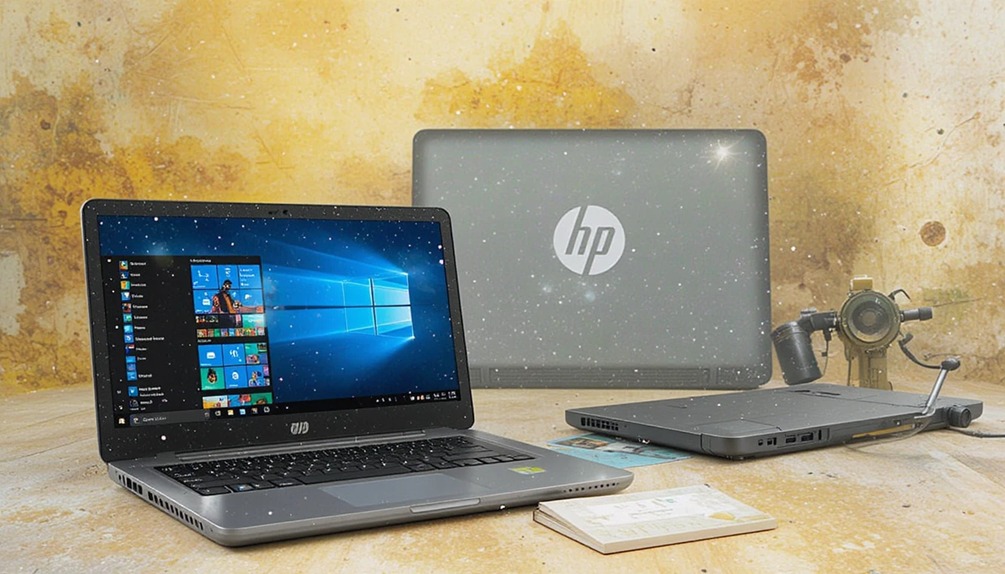
Even a good charger can run into problems. Here are the most common ones:
Slow charging: Usually caused by using a charger with too low a wattage or a damaged cable. Try a higher-wattage model or a replacement cable first.
Overheating: A charger that gets very hot is a warning sign. It could mean a faulty adapter, a blocked ventilation area, or a cheap, uncertified charger. Stop using it and replace it.
Compatibility errors: Some Dell laptops display a “charger not recognised” message when a non-Dell charger is used. This is common with third-party adapters. Choosing a certified compatible charger or an original Dell model usually solves this.
Tips for Safe Charger Usage
Do not wrap the electrical cord around the center brick; this causes the cord to become strained.
Store the charger in a well-ventilated space and do not put anything on top of it (i.e., bag or a cloth).
Be sure to unplug the charger during electrical storms to prevent damage due to surges.
If the charger has a damaged cable/connector or has cracks in its housing, do not use it.
To prolong the life of the wires, be sure to store the charger in a loosely coiled position (plenty of slack).
Conclusion
Finding the right Dell laptop charger for your needs doesn’t have to be complicated. Whether you need an original Dell replacement, a reliable compatible model, a compact 45W travel charger, or a modern Dell USB-C charger for your XPS — there’s an option to suit every laptop and every budget.
LaptopGiant makes it simple to find the right Dell charger at a fair UK price, with verified stock and helpful product filters. Browse the full Dell charger range at LaptopGiant.co.uk and get back to full power today.

Add comment