
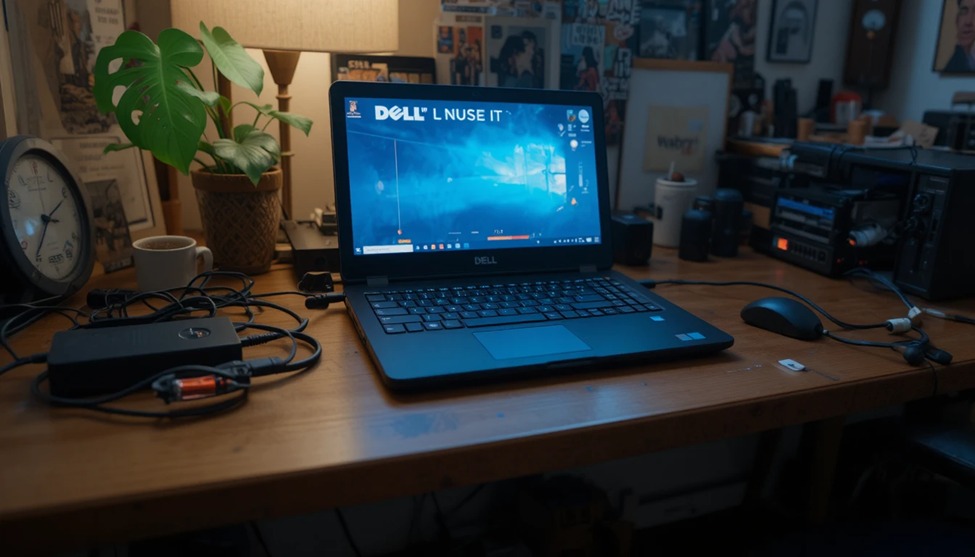
If your Dell laptop has a USB-C charging connection, then this guide is for you! You may have lost, damaged, or just want to buy a spare, and with all the options available, finding the correct USB-C charger for your Dell laptop can seem overwhelming. There is a large selection of wattages with multiple different manufacturers available, so, picking the right charger could be a challenge.
During the last several years, LaptopGiant has assisted customers located within the UK with finding quality laptop accessories at reasonable prices. This guide will provide everything needed for determining compatibility, wattage options, pricing estimates and general tips on where to purchase Dell USB-C chargers.
What Is a Dell USB-C Laptop Charger?
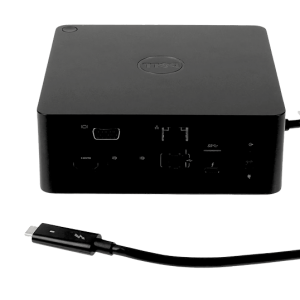
A Dell Type-C charger. The Dell Laptop uses the USB-C Connector to Charge Your Dell Laptop.
You can charge your Dell Laptop with USB-C, rather than the traditional barrel pin connectors, because you do not have to struggle to push it in the right direction. This makes it easier.
Many newer Dell laptops use USB-C as their main charging method – XPS, Inspiron, and Latitude models have been shown to use USB-C.
These chargers use Power Delivery (PD) technology, which allows for fast, efficient charging. One big benefit? The same USB-C cable can often charge your phone, tablet, and laptop.
Dell USB-C Charger Price in the UK – What to Expect at LaptopGiant
Prices for Dell USB-C chargers in the UK vary by wattage and compatibility (original or third-party).
Here’s a general price guide you’ll find at LaptopGiant
Charger Type Approximate UK Price
| Charger Type | Approximate UK Price |
|---|---|
| Dell 45W USB-C Charger | £14 – £35 |
| Dell 65W USB-C Charger | £13 – £20 |
| Dell 90W USB-C Charger | £13 – £20 |
LaptopGiant regularly updates stock and pricing, so it’s worth checking the website directly for the latest deals on Dell laptop charger prices in UK equivalents and UK listings alike.
Dell USB-C Charger Wattage Options: 45W, 65W, and 90W
Selecting the proper wattage is essential. Low or inadequate wattage may prevent your laptop from charging quickly; slow charging may apply when using your device extensively.
Essentially Thin Dell Laptops Less than 45w:
45w USB-C Charger — Light-weight, Compact — Designed for Thin Dell Laptops with Lighter-Powered Devices (entry-level Inspiron models). Ideal for travelers.
Most Common Wattage Recommendation: 65 watts
65w USB-C Charger — Most Widely Used — Good for a variety of Dell laptops, including Dell XPS 13, Dell Inspiron 14/15, Dell Latitude. This charger offers high-speed charging with good portability (travel).
Powerful Laptops (with dedicated GPU) 90W recommended:
90w USB-C Charger for heavy-duty usage (XPS15, Precision, any with GPU). Faster charge time, keeps up with heavy-duty usage—all the time.
Compatibility: Which Dell Laptops Support USB-C Charging?
Not every Dell laptop supports USB-C charging, so always check your model before buying. Here are common USB-C compatible Dell series:
Dell XPS 13 and XPS 15 (2019 and newer)
Dell Inspiron 14, 15, and 16 (select models)
Dell Latitude 5000, 7000, and 9000 series
Dell Vostro 5000 series
Dell Precision 5000 series
To confirm compatibility, check the side or bottom of your laptop for the Dell laptop charger usb c port with a lightning bolt symbol — that indicates charging support.
Original vs Copy Chargers – An Important Buying Guide
Choosing a Dell laptop charger with USB-C is one of the most important choices you’ll make when purchasing a Dell laptop.
Original Dell Chargers
An Original Dell Charger is made to the manufacturer’s specifications, including the proper voltage, current, and safety features for your laptop.
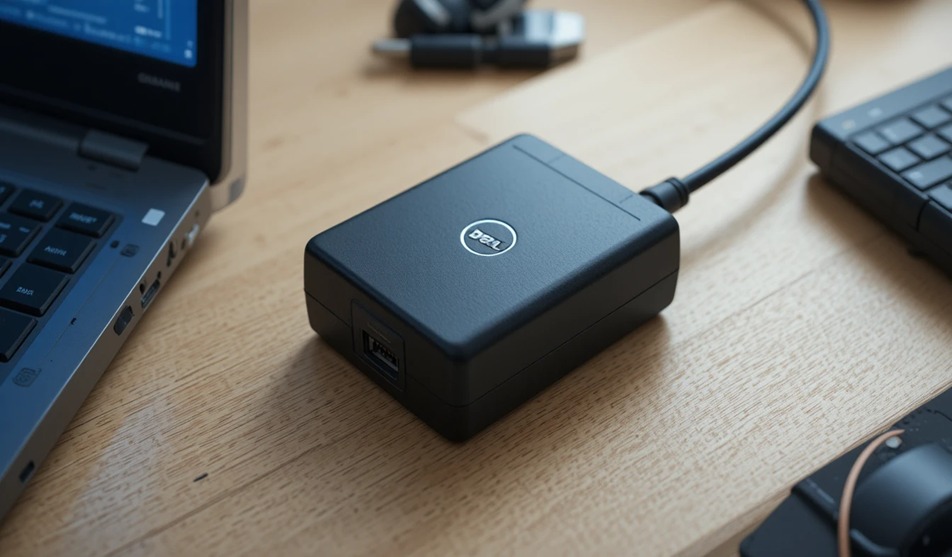
While the Original Dell Charger is a little more expensive than compatible third-party chargers, it will ensure your battery has a long life and that you don’t void the warranty of the laptop.
Compatible / Third-Party Chargers
If you’re going with a Compatible Charger made by a reputable brand, make sure they are listed as having the appropriate certification on their product packaging (Ex, CE, FCC, UL). You should absolutely avoid any third-party charger that does not carry one of these marks, as these chargers could damage your battery and, in very rare instances, can pose a safety hazard to you and your laptop.
Our advice: Purchase chargers from a reputable vendor. LaptopGiant has all its chargers quality-checked, so you don’t have to guess if the charger will work with your laptop or not.
Benefits of a Dell laptop charger usb c
In addition to having a fast-charging USB-C laptop, there are additional benefits that come with using USB-C to charge your laptop:
Universal – One cable to charge your laptop phone and other devices.
Fast-Power Delivery charges your laptop three times faster than a standard charger.
Reversible – You won’t have to pay attention to how you’re plugging your charger into your laptop.
Slim – In general, USB-C chargers take up less space and are lighter than traditional laptop chargers.
Less Clutter – Fewer cables to take with you when travelling.
Tips to Choose the Right Dell USB-C Charger
Before buying, keep these tips in mind:
Check your laptop’s wattage requirement – It’s usually printed on the original charger or in the manual.
Don’t go lower than the recommended wattage – It may charge too slowly or fail under load.
Look for safety certifications – CE and UL marks show the charger has been tested.
Buy from a verified seller – Always purchase from reputable stores like LaptopGiant to avoid fakes.
Consider a spare – Keep one at home and one in your bag to avoid being caught without power.
Conclusion
Finding the right Dell laptop charger USB C doesn’t have to be stressful. Whether you need a compact 45W charger for everyday use, a reliable Dell 65W USB-C charger for your XPS 13, or a powerful 90W model for heavier workloads, there’s a perfect option for every Dell user.
At LaptopGiant, we simplify the process of locating original and bool compatible Dell USB-C power sources through our large, competitively priced inventory within the UK. Take a look at all our available products now, so that no matter where you travel to, your laptop stays charged and operational.


Add comment