
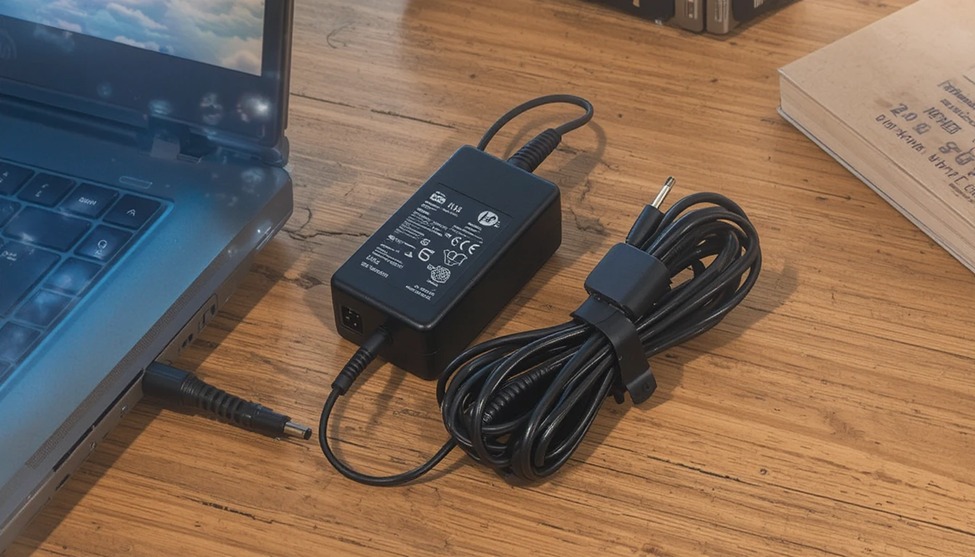
If you have ever been in the middle of an important task and witnessed your HP laptop battery running out of power, you already know the frustration of having a missing laptop charger.
HP’s 45W laptop charger is among the most common on the market, yet many people end up buying the wrong or low-quality model, which can damage the laptop over time. Whether you are buying your laptop charger for the first time or want to have a spare laptop charger at the office, it is important to know what makes the 45W HP laptop charger the right choice for your laptop.
At LaptopGiant, we believe that informed buyers make smarter purchases, and that starts with knowing exactly what to look for in a reliable power adapter.
What Does 45W Actually Mean?
However, before we go into which charger is best for your HP laptop, it is important to first understand what the wattage rating actually represents. Wattage rating is simply the power rating, which is determined by multiplying the voltage by the current, or amps.
A charger with a rating of 45W, therefore, represents the actual power delivered to the laptop, which is 45 watts. This is more than enough to charge the laptop while it is still being used, especially for the slim, lightweight, and mid-range HP laptops. Some of the HP laptops that this charger is best suited for include the HP Pavilion 15, the HP Envy x360, the HP Stream series, and the HP Chromebooks.
A charger with the wrong rating may cause the laptop to charge at a slower rate, may interrupt the power supply, or may, in the worst-case scenario, cause damage to the laptop. A charger with less power may not be enough to keep up with the demands of the laptop, while a charger with more power, but the wrong type of port, may potentially cause damage, depending on the type of charger. As such, it is important to note that that is why matching your HP laptop to the correct 45W adapter is not just a recommendation — it is a necessity.
Why the Right Charger Matters for Your HP Laptop
HP designs its laptops with particular power demands in mind, and your laptop’s charger is designed to meet those demands. When replacing a charger, it is important to ensure that the replacement charger matches these demands. For 45W HP laptop chargers, this means a voltage rating of 19.5V and a current rating of around 2.31A, although some may vary slightly. The type of connector is also an important factor because HP has used a variety of different connectors, including USB-C in more recent designs.
The wrong connector will prevent the charger from fitting properly. However, the wrong third-party charger that works will prove to be a disaster. This is because low-quality chargers will not provide the correct voltage regulation. This will cause your battery to deteriorate over time. This will reduce the lifespan of your battery. In the worst-case scenario, your device will overheat. Therefore, it is important to invest in a quality 45W HP charger from a trusted source such as LaptopGiant. This will ensure that your device is protected as well as your data.
HP Laptop Models That Use a 45W Charger
One of the most common questions that people ask is whether or not their specific HP laptop will actually be compatible with a 45W charger. While the best way to determine whether or not you can use a 45W charger with your specific laptop is to check the model number and cross-reference it with the specifications of the charger, there are a variety of HP laptops that tend to come with a 45W power adapter
HP Pavilion is one of the most popular lines that make use of this wattage rating. These laptops are consumer-grade machines that can be used by students or individuals with minimal business needs. These machines’ processors and displays are calibrated to run within the confines of a 45W rating. The same can be said for the HP Envy x360 with a 13-inch form factor, as these machines make use of USB-C charging to offer a sleek experience to their users. The HP Chromebook 14 and several variants of the Chromebook x360 make use of the same rating as their chargers because Chrome OS is not as power-hungry as Windows OS.
Another type of device that the 45W charger is often used with is the HP Stream series of laptops. These are budget laptops that are designed to be used with cloud-based applications. If you own one of these lightweight laptops and need a new charger, you will find that the 45W chargers are readily available. In fact, these chargers are likely to be less expensive than the higher wattage chargers. However, it’s always important to ensure that the device matches the model number that the charger is designed for, as there are instances where the same model of laptop will have a different charger depending on the processor used.
USB-C vs. Barrel Connector: Which 45W HP Charger Do You Need?
Additionally, HP has been moving most of its newer laptop designs to USB-C charging ports. This provides the advantage of a common charging port that can be used for other devices such as smartphones and tablets. If you own a newer version of the HP Envy, Spectre, or Chromebook laptop, there is a high probability that the device will be equipped with a USB-C charging port. In this situation, a 45W USB-C charger will be a good choice for your needs. 45W Laptop Charger HP
On the other hand, the older versions of HP Pavilion laptops make use of the conventional barrel-type port. This type of port has different diameters. Therefore, the diameter of the plug as well as the inner pin diameter must be matched with the charging port of the laptop. This can be easily done at LaptopGiant as the specifications of the products are mentioned.
One thing to bear in mind is that not all USB-C chargers will work with all laptops, even if they fit. USB-C chargers operate by a protocol known as USB Power Delivery or USB-PD. They need to be compatible with the wattage your laptop needs to operate. A 45W USB-PD compatible charger will work with laptops that support this level of power delivery. However, a lower wattage USB-C charger may not charge your laptop while you are using it at all.
What to Look for When Buying a Replacement HP 45W Charger
Finding a replacement for your laptop’s charger can be a daunting task due to the many choices you will find online. Here’s what you need to focus on to ensure you buy a good-quality 45W HP laptop charger. Firstly, you need to ensure that the output voltage of the replacement charger matches the requirements. Secondly, the replacement charger should be marked with UL, CE, or FCC symbols to ensure that the product meets the safety requirements.
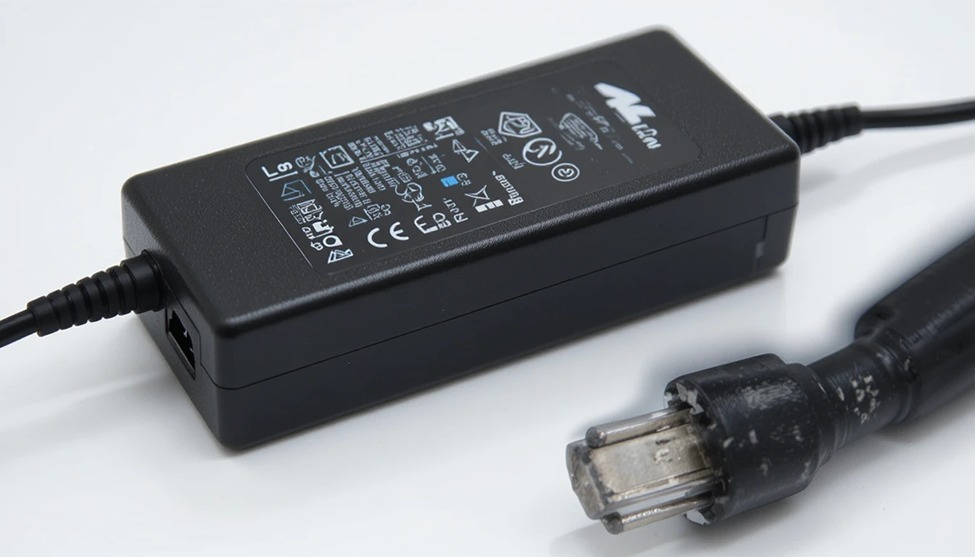
Third, think about cable length. While a shorter cable makes it more portable, it also may not reach your outlet, depending on your workspace setup. Many good quality chargers have a six-foot cable, and this seems a good compromise between portability and flexibility.
Fourth, look at the build quality. While a good quality charger will have a reinforced cable, cable strain relief on both adapter and plug ends, and a good quality housing, a flimsy knockoff will not last anywhere near as long.
Lastly, make sure you buy from a reputable seller. LaptopGiant offers chargers that are compatible with HP laptops and have been tested to ensure their compatibility and safety. This is important because you can always get a refund or replacement if you encounter any problems with your product and you bought it from a credible seller, as you can be sure that you got what you paid for.
Tips for Extending the Life of Your HP Charger
No matter how good the charger is, it will deteriorate at a faster rate than it should if it is not maintained appropriately. There are some simple practices that can help extend the lifespan of your 45W HP charger significantly. It is recommended that you not store the adapter with the cable wrapped around it because it will cause the internal wires to deteriorate and ultimately snap.
It is best to keep the charger away from any source of heat. Moreover, the charger should never be kept in confined areas where it cannot ventilate. Chargers tend to emit some heat during use. Moreover, the charger cord should never be pulled out of the laptop by the cord itself. It is best to always hold the connector end of the charger cord when unplugging it from the laptop. This will prevent the most common reason for the charger’s failure, which is the broken wiring inside the connector.
In addition, if you find that the charger is unusually hot, buzzing, or is showing an error message on the laptop screen, it is advisable to replace the charger immediately. This is a clear indication that the charger is failing, but using it may damage the battery.45W Laptop Charger HP


Add comment