Have you ever experienced a shortage of available ports when plugging in certain peripherals to your laptop? If so, then a docking station can help! With the use of a simple device called ‘Docking Station,’ you’ll be able to add more peripherals to your laptop without having to purchase additional adapters or cables. Docking Stations can enhance all aspects of your work, whether you are working from home, studying at a university, or gaming – they help you create a clean and more efficient setup. Laptopgiant has provided a wealth of information on what a Docking Station can provide for your setup in this easy-to-read guide.
What is a docking station?
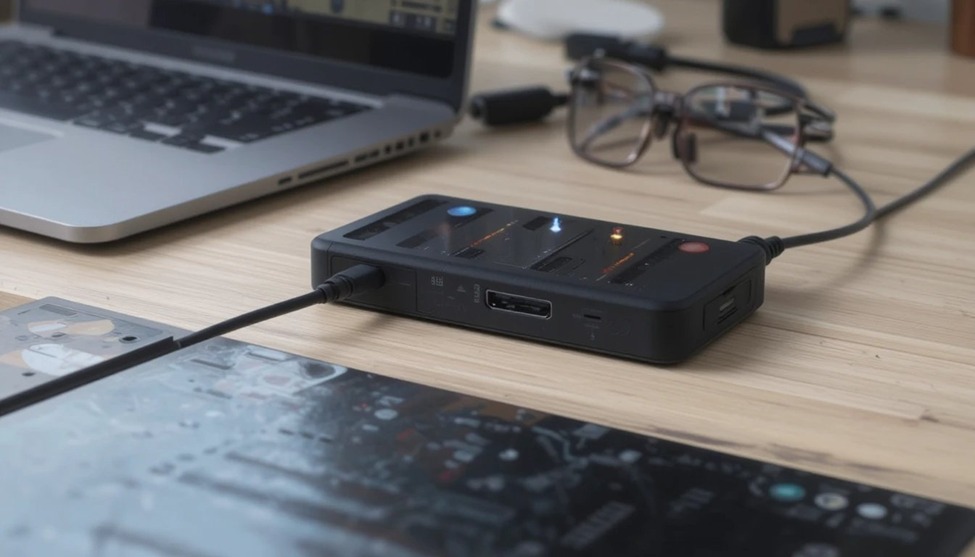
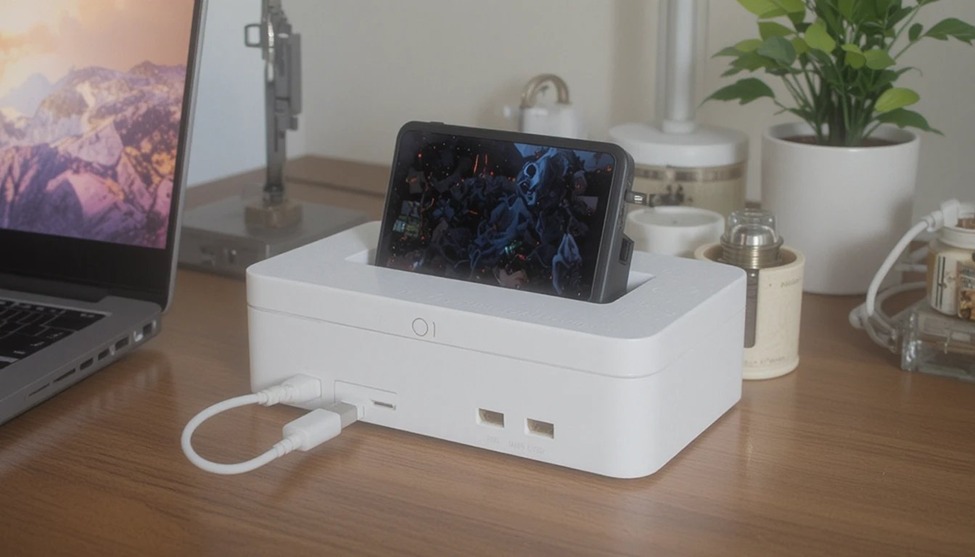
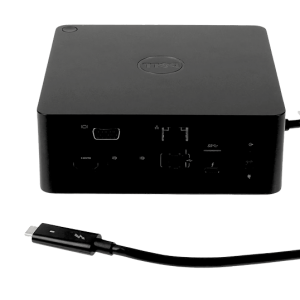
Docking stations allow users to connect their laptops to a number of peripheral devices, such as keyboards and mice. Docking stations allow users to connect their laptops to a number of peripheral devices, such as keyboards and mice.
Types of docking stations
There are three main types to know about.
A USB docking station connects via a standard USB port. It works with most laptops and PCs and is great for everyday office use.
A laptop docking station is designed specifically for laptops. It offers extra ports, display output, and charging all in one device.
A Thunderbolt docking station uses Thunderbolt technology for ultra-fast data transfer and supports multiple 4K displays.
The most popular choice today is the USB-C docking station, which works with modern laptops, tablets, and even smartphones.
Benefits of using a docking station
A docking station will provide you with many additional ports. You can have usb, hdmi, sd card, ethernet, and audio connections at the same time giving you the option of connecting whatever you need at any given time without having to make a decision on what to connect when you arrive.
Also, a docking station makes your connectivity easier because one cable connects everything. You plug in, and you are up and running in just a few seconds with no messy cables laying around.
Lastly, using a docking station will make you more productive because you can connect multiple monitors, and a keyboard, and a mouse for greater productivity and more comfortable working conditions.
Using the best docking station suited for your setup can change the way you work and save you time every single day.
Who needs a docking station?
Most office employees have access to a laptop docking station that enables you to easily connect a monitor, keyboard, printer, etc. with one click. For those who work from home, a docking station helps keep the areas of your home office clean and organised.
Students can easily connect a projector or external hard drives. Gamers use a laptop docking station to connect all of their peripherals (controllers, headsets, capture cards, etc.) at once. Designers and developers also require a multi-monitor docking station to create high-speed workstations. If you are using your laptop as a serious tool, a docking station should be on your list as an upgrade.
Key features to look for laptopgiant
First, check the ports available. Look for USB-A, USB-C, HDMI, DisplayPort, Ethernet, and SD card slots.
Next, check compatibility. Make sure it works with your laptop brand and operating system before buying.
Power delivery is also important. Choose one that charges your laptop while you work 65W or 100W is ideal.
Finally, check display support. Make sure it supports dual monitors or 4K resolution for your screen setup.
Docking station vs USB hub
A docking station offers many ports including USB, HDMI, and Ethernet. A USB hub mostly gives you USB ports only laptopgiant.
A docking station can charge your laptop through power delivery. A USB hub usually cannot do this.
A docking station supports external monitors and 4K screens. A USB hub rarely has this feature.
A USB hub is cheaper and good for basic needs. A docking station costs more but does far more and is worth the investment for serious users.



Add comment